Technical knowledge about Electronic Reporting (CBD)
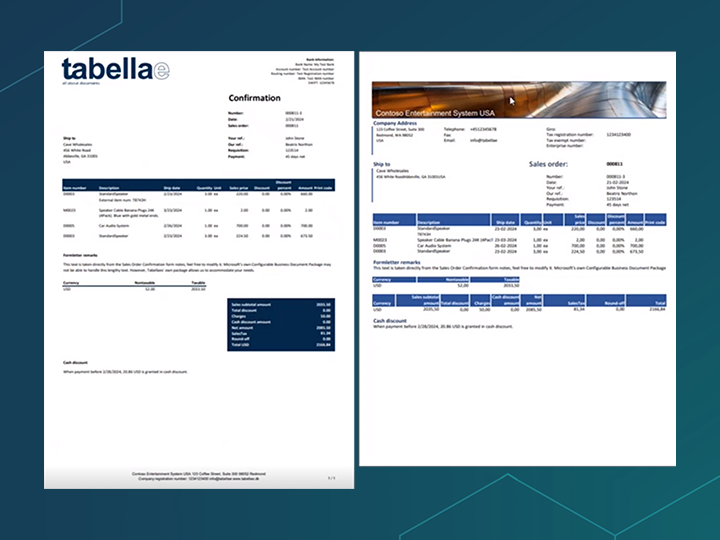
– the right way
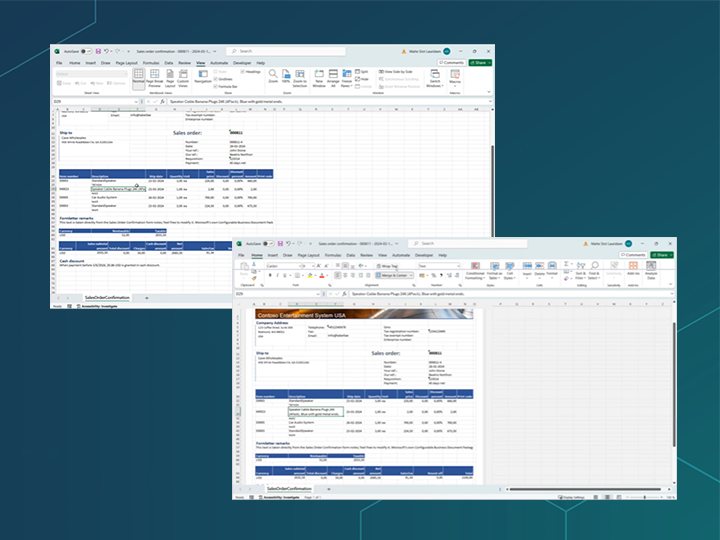
– to unlock the full potential of ER
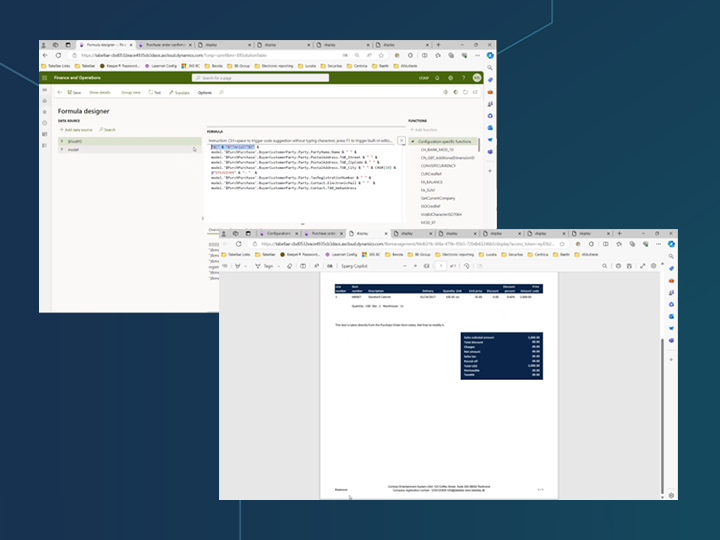
– that contribute to the professional look of documents
How to use D365 electronic reporting
At Tabellae, we are skilled with Configurable Business Documents / Electronic Reporting (ER). We have a dedicated department to this area, and they have experience with everything from how to set up and configurate electronic documents to how to map data and test the configurations to verify that they generate the expected output.
If you have experienced trouble with Electronic Reporting in D365, then check out our YouTube channel, where you can learn Electronic Reporting in Dynamics 365 Finance and Operations online, e.g.:
- How to get started with Microsoft Configurable Business Documents – the right way
- Mastering Dynamic Row Height in Excel with D365 Electronic Reporting
- How to make Dynamic Footers in Excel templates with the ER Format Designer
- Create page numbering in the ER Format Designer
- Use company logo on your ER documents
- Change Microsoft “horisontal total section” to a “vertical range”
UNLOCK THE FULL POTENTIAL OF YOUR D365 INVESTMENT
At this channel, we’ll provide you with expert insights, practical tutorials, and best practices tailored specifically for leveraging Electronic Reporting with Dynamics 365.
Whether you’re a seasoned professional or just starting your journey with Dynamics ERP and Microsoft Document Management, our goal is to empower you with the knowledge and tools needed to streamline your reporting workflows, and unlock the full potential of your Dynamics 365 investment.
Go to our YouTube channel Tabellae Inc to learn how to get started easily with Electronic Reporting in Dynamics 365 – in the right way.
Tabellae’s solutions include many application areas and can make a big difference to your business
- A good invoice makes handling easy for the recipient
- Labels with images get your parcels through customs quickly
- SMS provides a good overview of the shipping process
Well-thought-out document management optimizes many business processes. Contact me to set up an appointment to discuss the possibilities for your business.